
You have 40 new SKUs arriving next week, a launch date you have already announced on Instagram, and a folder of phone photos that look fine on your screen but flat on the product page. Before you book a studio or buy a lightbox, it helps to know what product photography Dubai actually has to deliver for an online store, and which parts you can do yourself.
This guide is written for store owners in the UAE and the wider Gulf who sell on Shopify, Salla or Zid and advertise on Meta, TikTok or Snapchat. It covers the shot list per product type, white background versus lifestyle, a phone setup that works, lighting, the official image specs of each platform, editing, where AI fits, and when a studio is worth the money.
We will not quote studio prices. They vary too much between a one-person home studio in Al Quoz and a full production house, and nobody publishes a reliable official rate. Instead, you will learn what drives the quote, so you can compare offers on equal terms.
What product photography Dubai has to deliver for an online store
A product photo on a store is not art. It is evidence. The shopper cannot touch the abaya, smell the oud or weigh the phone case, so the photos must answer the questions a shop assistant would answer in person: what colour is it really, how big is it, what does the fabric look like up close, what comes in the box.
That changes how you judge any shoot. A beautiful image that hides the stitching fails. A plain image that shows true colour, scale and detail does its job. The best product photography Dubai studios produce starts from that brief, and only then adds style.
In practice, every product needs three kinds of image:
- The main image: the whole product, clean background, true colour. This is what appears on collection pages, in Google Shopping and in your Meta catalogue.
- Detail and proof images: close-ups of texture, labels, ports, clasps, ingredients; the back and the side; what is inside the box.
- Context images: the product in use or next to familiar objects, so the shopper understands scale and imagines owning it.
Weak photos rarely show up as one obvious problem. They show up as more “is this the real colour?” messages on WhatsApp, more returns, and more refused cash-on-delivery parcels because the item at the door does not match the expectation. If you already fight abandoned carts, see our guide on recovering abandoned carts; unclear photos are one of the quiet reasons.
product photography Dubai: a shot list per product type
Do not walk into a shoot, or start one at home, without a written shot list. It is the single document that keeps a 40-SKU day on schedule. Here is a starting point by category; adjust it to your range.
| Product type | Must-have shots | Useful extras |
|---|---|---|
| Abayas and modest fashion | Front, back and side on a model or mannequin; full length; fabric close-up; sleeve and cuff detail | Movement shot, styling with a sheila, size reference on model |
| Perfume, oud and bakhoor | Bottle front on white; cap off; box and bottle together; label close-up | Lifestyle on a majlis tray, scale shot in hand |
| Skincare and cosmetics | Pack front and back (ingredients readable); texture swatch; open jar or pump | Shade range lined up, hand holding product |
| Electronics and accessories | Front, back, ports, buttons; everything in the box laid flat | Product connected and in use, size next to a phone |
| Jewellery and watches | Macro of stone or dial; on a neutral bust or hand; clasp detail | Gift box shot for Eid and Ramadan gifting |
| Dates, sweets and food gifts | Box closed and open; single piece close-up; weight label | Served on a plate with coffee, festive table |
Count the shots. If an average product needs six images and you have 40 SKUs, that is 240 final images before any retakes. That number is what any product photography Dubai studio will price against, so knowing it before you ask for quotes saves a lot of back-and-forth.
White background vs lifestyle: which do you need?
This is the first decision in any product photography Dubai brief, because it sets the background, the props, the light and the time per SKU.
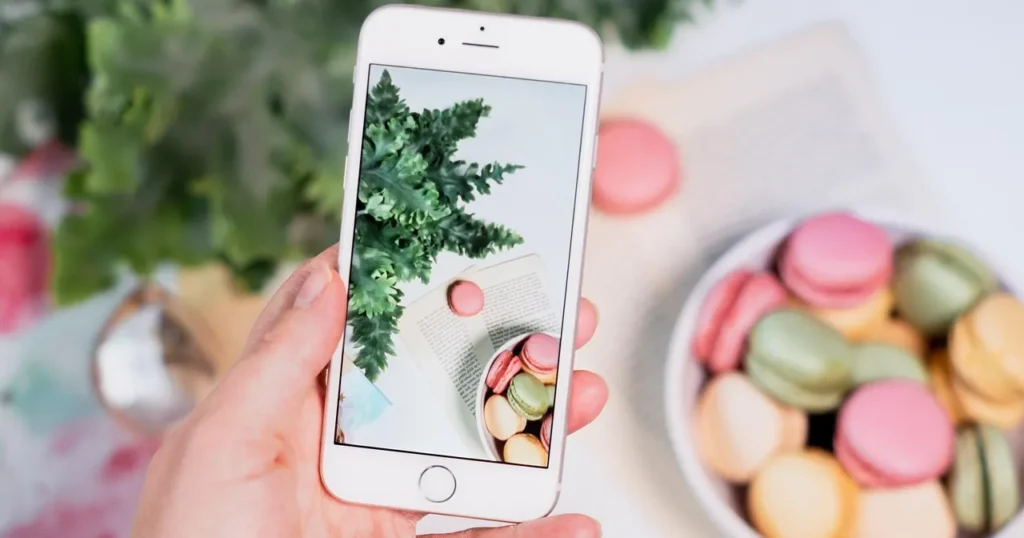
You need both, but in different places. The white or plain background image is the workhorse. It loads cleanly in grids, it meets marketplace and catalogue rules, and it lets colour and shape speak. Meta, for example, recommends product images with a white backdrop for catalogues (Meta Business Help Center, checked October 2026).
Lifestyle images sell the feeling and the scale. They do the heavy lifting in ads, on social media and lower down the product page. For product photography Dubai brands often go for a recognisable local mood: warm light, marble, a majlis corner, a desert tone. That works, as long as the product stays the hero.
| Approach | Best for | Watch out for |
|---|---|---|
| White or plain background | Main image, catalogue, Google Shopping, collection grids | Grey “white” from weak light; shadows cut off badly |
| Lifestyle / in context | Ads, social posts, secondary product images | Props stealing attention; colour shifts from warm light |
| Flat lay | Sets, kits, fashion accessories, gifting | Distortion if the phone is not parallel to the surface |
| On model | Apparel, abayas, jewellery, watches | Model releases, modest styling, consistent poses across SKUs |
| Product video | Texture, movement, how-to, unboxing | Long files; check each platform’s video limits |
Rule of thumb: the first image proves what the product is; the rest prove why it is worth the price.
Product photography at home: a phone setup that works
Not every product photography Dubai project needs a studio booking. For a first collection or a small range, your own setup can cover the main images.
Modern phones are good enough for most store images if you control the light and the background. Many first collections in Dubai and Riyadh are shot this way. The camera is rarely the weak point; the room is.
The minimum product photography setup kit
- A recent phone with a main camera that shoots in its highest resolution setting.
- A small tripod with a phone clamp, so every product is shot from the same height and angle.
- A sweep: a roll of white paper or a white board that curves from the table up the wall, so there is no horizon line.
- One large soft light source: a big window with indirect daylight, or a softbox.
- A white foam board as a reflector to fill shadows, and a black one to add contrast on glossy items.
Step-by-step product photography setup
- Place the table side-on to the window, never facing it. Direct sun through Gulf windows is harsh; use a sheer curtain or shoot when the sun is not hitting that side of the building.
- Tape the sweep so it curves smoothly. Put the product about a hand’s width in front of the curve, not against it.
- Mount the phone on the tripod. Use the 1x or 2x lens, not the ultra-wide, which bends straight edges.
- Turn off the flash and any “beauty” or portrait effects. Tap to focus on the product, then lower exposure slightly so whites do not blow out.
- Add the white reflector on the side opposite the light. Move it closer until the shadow side shows detail.
- Shoot the full shot list for one product before moving to the next. Keep the tripod in place so every SKU matches.
- Check each image at full size on a laptop before you strike the set. Fixing focus later is not possible.
A light tent or “product photography box” is a popular add-on to a product photography setup. It helps with small items such as jewellery and cosmetics. It is less useful for large items or anything glossy, where it can create a dull, shadowless look.
Product photography lighting without a studio
Good product photography lighting is cheaper than most people expect: one large soft source and a reflector cover a surprising range of products.
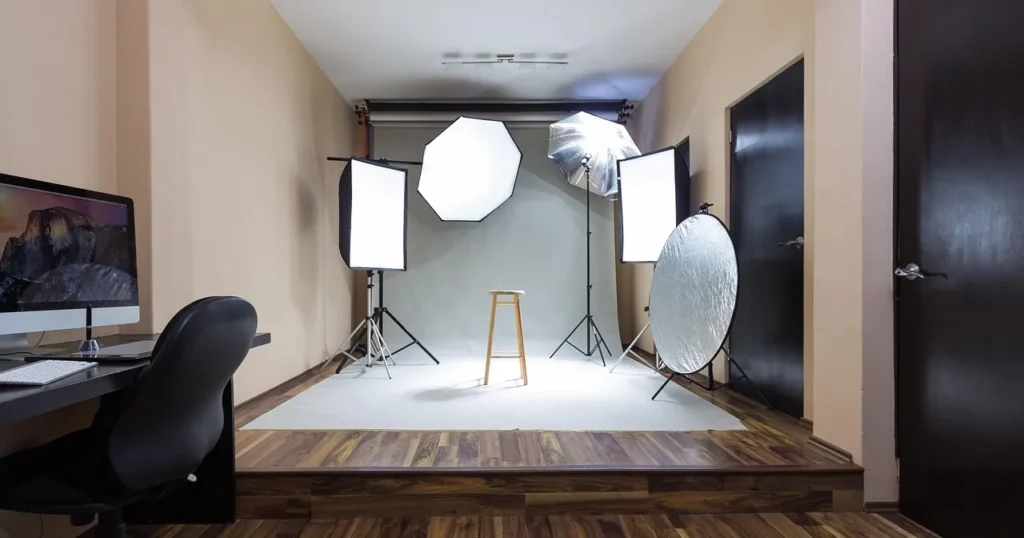
Lighting decides most of the result, at home or in a product photography Dubai studio. The aim is soft, even light that shows shape without hiding detail. Hard light gives sharp shadows and bright hot spots on glass and metal; soft light wraps around the product.
- One light, one reflector covers most small products. Light at 45 degrees to one side, reflector on the other.
- Two lights help with white backgrounds: one on the product, one aimed at the background to push it to clean white.
- Glass and perfume bottles look best lit from the side or behind, with black boards to draw clean edge lines.
- Do not mix colour temperatures. Daylight plus a warm ceiling bulb gives one yellow side and one blue side. Turn room lights off.
If you shoot in summer, plan around heat as well as light. Chocolate, lipstick and some candles soften under continuous lamps in a warm room in Dubai or Riyadh, so shoot those first in the morning and keep stock in the fridge until its turn.
Official image specs: Shopify, Salla and Meta
Specs change, so treat the numbers below as a snapshot taken from each platform’s own help page in October 2026, and recheck before a big upload. The safe approach for any product photography Dubai brief is to ask for a large square master file per image, then export smaller copies per platform.
| Platform | What the official page says | Source |
|---|---|---|
| Shopify (product media) | Square images display best at 2048 x 2048 px; up to 5000 x 5000 px or 25 megapixels; file size under 20 MB | Shopify Help Center |
| Salla (product images) | Up to 10 images per product; PNG, JPEG, JPG or GIF; preferably at least 250 px tall and 100 px wide; maximum 5 MB per image; alt text up to 70 characters | Salla Help Center |
| Meta catalogue (Facebook and Instagram shops) | JPEG or PNG, 8 MB maximum; shown square (1:1); at least 500 x 500 px, 1024 x 1024 px recommended; 4 or more images recommended | Meta Business Help Center |
| Google Merchant Center | Recommends 1500 x 1500 px or above; no file over 16 MB; AI-generated images must carry metadata saying so | Google Merchant Center Help |
Two details are easy to miss. First, Shopify’s own pages state the size limit slightly differently (the theme images page mentions 20 megapixels), so if an upload fails, reduce pixel dimensions rather than quality. Second, Salla’s 5 MB cap is far below what a camera produces, so you will need to compress before upload.
Meta also asks you not to put text over the product, calls to action, promo codes or watermarks in catalogue images, and suggests keeping all images in the same ratio (1:1 or 4:5) to avoid automatic cropping in carousels. A practical export plan:
- Master: square, at least 2048 x 2048 px, saved and archived.
- Store copy: square JPEG or WebP where the platform accepts it, compressed to a few hundred kilobytes where quality allows. Smaller files help page speed; see our guide to improving website speed.
- Catalogue copy: 1:1 JPEG under 8 MB, no text overlay.
- Ad copies: 4:5 for feed and 9:16 for Stories and Reels, keeping the product away from the areas covered by buttons.
Editing: what to fix and what to leave alone
Editing should make the photo accurate, not make the product look better than it is. Every edit that changes the product itself is a future return or a bad review.
Safe edits in product photography Dubai workflows
- Straighten and crop to the same ratio and margin for every SKU.
- Correct white balance so whites are neutral and colours match the item in hand.
- Clean dust, fingerprints and stray threads.
- Remove or brighten the background on main images.
- Resize and compress per platform.
Edits to avoid
- Changing the colour of the product to match a trend shade you do not stock.
- Smoothing fabric texture or skin so much that the item looks different in person.
- Adding badges, prices or “50% off” text to catalogue images.
- Using a competitor’s or a supplier’s photo when your actual batch looks different.
Name files clearly before upload, for example black-crepe-abaya-front.jpg, and write a short, specific alt text for each image. Salla gives you an Alt field under each product image, and alt text is part of image SEO; our 90-day ecommerce SEO plan covers where it fits.

Product photography AI: what is acceptable in 2026
Product photography AI features now sit inside many everyday editing apps, so the real question is not whether you can use them, but where.
AI tools can now remove backgrounds, extend a scene, relight a shot or place your product into a generated room. Used well, they save hours. Used badly, they show a product that does not exist.
For product photography Dubai stores use in ads and catalogues, a simple line to hold: AI may change the scene, never the product. Generating a marble surface behind a real photo of your perfume is fine. Generating the bottle itself, or “fixing” its shape, label or colour, is not. Meta requires catalogue images to accurately represent the specific product for sale.
Google is explicit too. Its Merchant Center image rules say images created with generative AI must contain metadata indicating that, and that you must not remove embedded tags such as the IPTC DigitalSourceType property (checked October 2026). So if you use AI scenes in Google Shopping, do not strip the metadata during compression.
- Good uses: background removal, shadow creation, lifestyle backgrounds for ads, resizing to new ratios, quick concept tests before a real shoot.
- Risky uses: AI models wearing your abaya, AI-generated food or texture shots, AI “improved” versions of the item.
- Always: keep the original photo, label AI work internally, and check every output against the real product.
Product photography Dubai and the Gulf: what to plan for
Shooting for Gulf shoppers has its own checklist. These points apply whether you book product photography Dubai studios or shoot in Riyadh, Jeddah or Kuwait.
- Modest styling. For fashion and beauty, plan modest outfits, hands-only shots or mannequins where a model is not suitable. Agree this with the photographer before the day.
- Arabic and English packaging. If the box has both languages, shoot both sides. Many UAE shoppers read English, many Saudi shoppers expect Arabic.
- Season sets. Ramadan and Eid gifting, White Friday in November, UAE National Day on 2 December and Saudi National Day on 23 September all need fresh creative. Shoot them weeks ahead, not the week of.
- Gifting angles. In gifting-heavy product photography Dubai briefs, gift box, wrapping and “what she receives” shots matter for perfume, oud, jewellery and dates.
- Cash on delivery. When the customer pays at the door, accurate photos are your best defence against refused parcels.
If you sell in both the UAE and Saudi Arabia, the store platform you pick shapes the image workflow too. Our Shopify vs Salla comparison explains the wider differences.
When to hire a studio for product photography Dubai work
A product photography studio or freelance photographer is worth it when your range is large, when products are hard to shoot (glass, jewellery, black items), when you need models, or when the brand look must stay consistent across hundreds of SKUs. DIY makes sense for small catalogues, frequent drops and social content.
How much does product photography cost in Dubai?
There is no official price list for product photography Dubai studios, and quotes in Dubai, Riyadh and Jeddah vary widely. Instead of comparing one total, compare what each quote includes. These factors move the price most:
- Number of SKUs and final images per SKU.
- Background type: white packshots are faster than styled lifestyle sets.
- Models, stylists, hair and make-up, and locations.
- Retouching level and the number of revision rounds.
- Usage rights: store only, or also paid ads and outdoor.
- Video clips, 360 spins or ad-ratio crops added to the brief.
Ask every studio to quote per final image for the same brief, and ask for the delivery specs in writing. A clear brief turns product photography Dubai quotes from guesses into comparable numbers.
product photography Dubai: common mistakes and fixes
These problems come up again and again in product photography Dubai shoots, at home and in studios alike.
| Mistake | Fix |
|---|---|
| Grey background instead of white | Light the background separately or raise exposure on the background only in editing |
| Every SKU shot at a different angle | Fix the tripod position and mark the product spot with tape |
| Colours look different from the real item | Shoot a grey card once per setup and correct white balance |
| Huge files slowing the store | Export per platform and compress before upload |
| Text and offers baked into catalogue images | Keep offers in the ad copy, not on the product image |
| No scale reference | Add one in-hand or on-model shot per product |
Checklist before your next product photography Dubai shoot
- Shot list written per product type, with a count of final images.
- Products cleaned, steamed, labels straight, spare stock ready.
- Product photography Dubai studio or home setup booked, with a backup date.
- Background, light, reflectors and tripod set and tested.
- Platform export sizes written down from the official pages.
- Seasonal and ad-ratio shots added to the list.
- AI use agreed: scene only, originals kept, metadata intact.
- File naming and alt text plan ready for upload day.
Good images also feed your ads. Before spending on TikTok ads or Snapchat ads, make sure you have vertical versions ready.
Product photography Dubai FAQ
Can I do product photography at home with a phone?
Yes, for most small and medium products, and many stores start there before booking product photography Dubai studios. Control the light, use a tripod and a clean sweep, and shoot the same angles for every SKU. Hard items such as glass, chrome and jewellery are where a studio usually pays off.
What size should my product photos be for Shopify and Salla?
Shopify says square images display best at 2048 x 2048 px. Salla caps each product image at 5 MB and allows up to 10 images per product. Shoot one large master and export a copy for each (Shopify, Salla, October 2026).
How much does product photography Dubai cost?
Like the wider question of how much does product photography cost anywhere, it depends on SKUs, images per SKU, models, styling, retouching and usage rights. There is no official rate, so ask several studios to quote per final image against the same written brief.
Is a white background required?
Not by every platform, but in product photography Dubai shoppers see on Shopify and Instagram, it is the safest main image. Meta recommends a white backdrop for catalogue images, and it keeps collection grids clean. Use lifestyle images as secondary images and in ads.
Is product photography AI safe for my store?
Use AI to change the scene, not the product. Background removal and generated settings are fine; generating or altering the item is not. Google Merchant Center requires AI-generated images to keep metadata that says so.
How many photos should each product have?
Meta recommends four or more images per catalogue product, and Salla allows up to ten. A typical product photography Dubai brief covers this range. Aim for one main image, two or three detail shots and at least one scale or lifestyle shot.
When is a studio better than DIY for product photography Dubai?
Book product photography Dubai studios when you have many SKUs, reflective or very small products, need models, or need the same look across seasons. For a few products and fast social content, a careful home setup is usually enough.
Good product images are the base of everything else in your marketing: product pages, catalogues, ads and social posts. If you want help planning a shot list or producing content around it, take a look at our content production service or get in touch.